

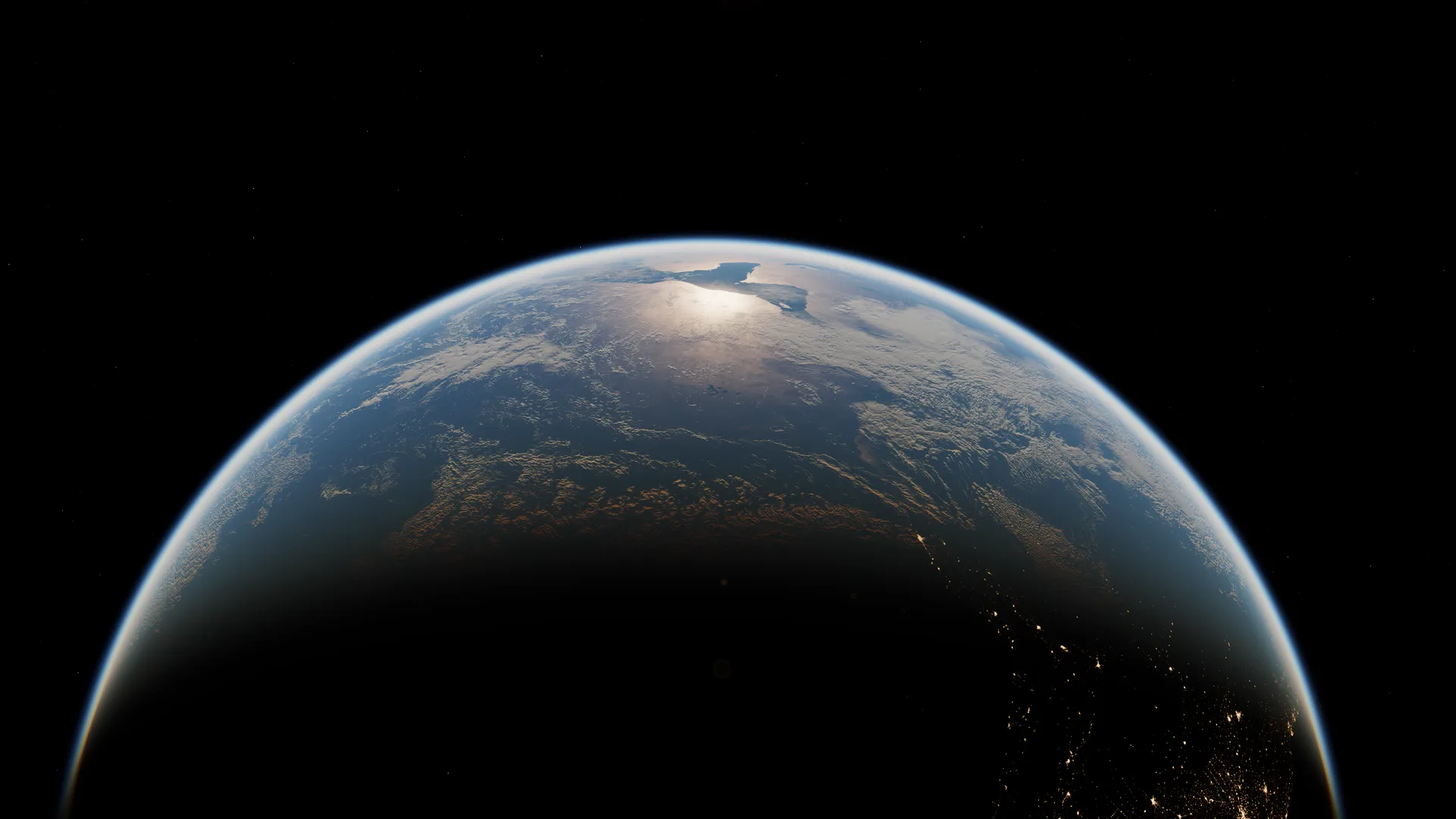
Earth animation · MP4 · ProRes
Make a realistic Earth animation in minutes, no 3D skills needed
A spinning globe for your intro, a zoom from space to your country, or day turning into night: set the first frame, set the last one, and Earthframe Studio animates everything in between.
Animate with just two keyframes
Set up how your shot starts: camera, sun and look. Then set up how it ends: move closer, turn the planet or bring the night in. Every setting has a small ◆ switch, so only what you choose changes over time. Pick the duration and the easing, preview it in real time and render.
Ready-made moves
- Earth rotation, including a seamless loop for backgrounds
- Camera orbit around the planet
- Zoom in from deep space or zoom out to the full globe
- Day to night, with the sun sweeping across and the city lights turning on
- Orbital sunrise over the horizon
- Drifting clouds
Export for any edit
Render MP4 (H.264) for YouTube and social media, Apple ProRes 422 HQ for editing and color grading, or WEBM. Choose 24, 25, 30, 50 or 60 fps and any resolution up to 16K, including vertical 9:16 for Reels, Shorts and TikTok.
Frequently asked questions
How do I make a rotating Earth animation?
Open Earthframe Studio, choose the Earth rotation quick move (or a seamless loop), set the duration and frame rate, and render MP4 or ProRes. It takes a couple of minutes.
Do I need After Effects or 3D software?
No. Earthframe Studio renders the planet, clouds, atmosphere and lighting for you. You can bring the exported video into Premiere, DaVinci Resolve, Final Cut or After Effects if you want to.
Can I make vertical Earth videos for Reels and TikTok?
Yes. Use the vertical 1080×1920 or 4K presets, or any custom size.
Is there a demo?
Yes. The demo includes every feature so you can try it before you buy. Exports are limited to 1080p with a watermark.
Make your own Earth shots
Try every feature with the demo for Windows. Exports up to 1080p with a watermark; the full version goes up to 16K.