

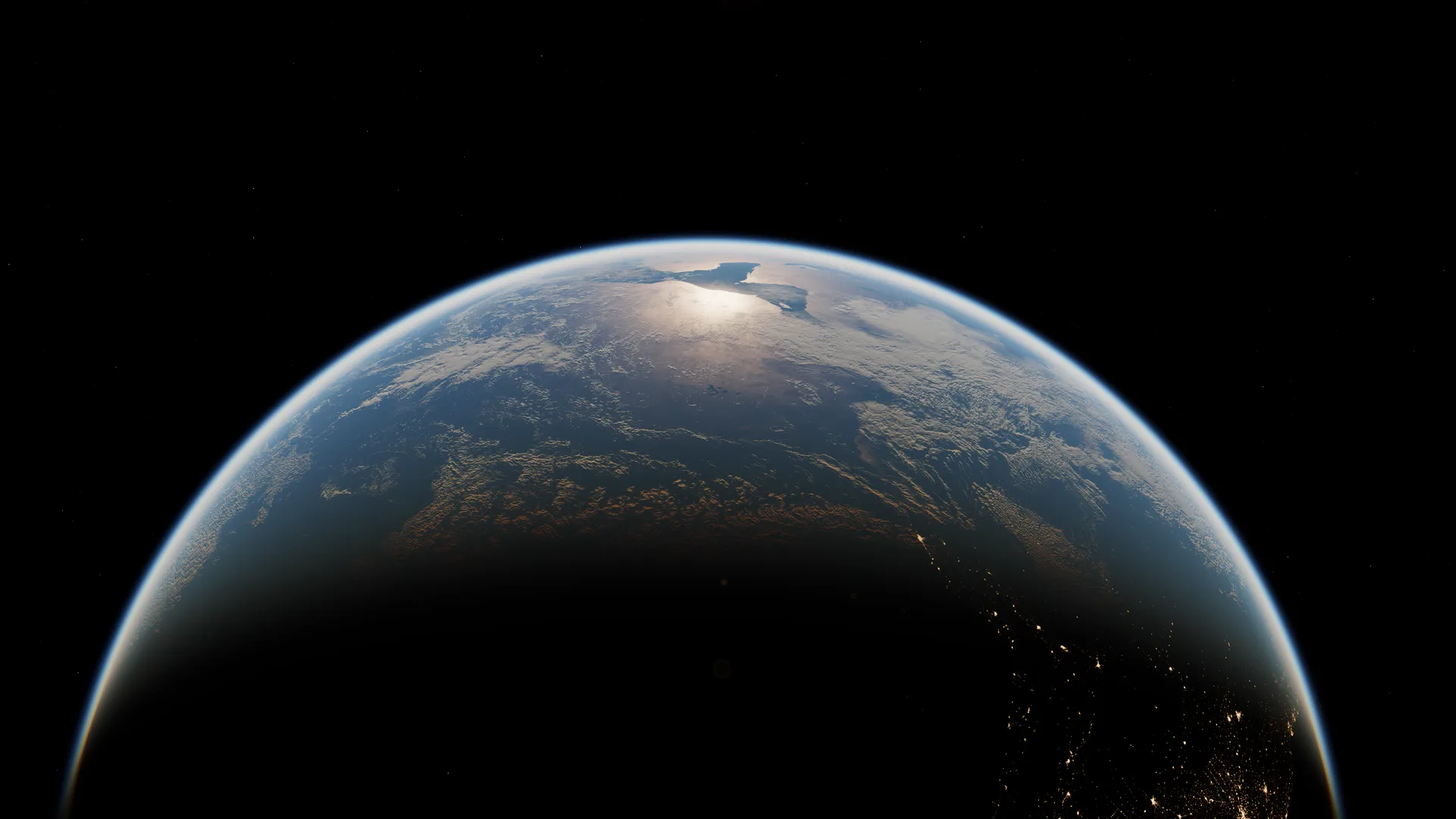
Comparison
A Google Earth Studio alternative for planet-scale shots
Google Earth Studio is great for flying over real places. Earthframe Studio is made for something else: photorealistic shots of the whole planet from space, rendered on your own PC.
Two different tools
Google Earth Studio is a browser-based animation tool that uses Google Earth satellite and 3D imagery. It is free and the right choice when you need to fly down to a specific street, building or city.
Earthframe Studio is a Windows program that renders the Earth from space in real time. It focuses on the planet itself: atmosphere, clouds, sunlight, city lights and the line between day and night. It goes from the whole globe down to a coastline, not to street level.
Why people look for an alternative
The most common reasons are commercial projects, where Google Earth imagery cannot be licensed, the attribution that has to stay on screen, and shots where the planet itself is the subject: a clean globe, the day and night line, an orbital sunrise or the glow of the atmosphere along the horizon. That is exactly what Earthframe Studio is built for.
Side by side
| Google Earth Studio | Earthframe Studio | |
|---|---|---|
| Best for | Flying over real places, streets and 3D cities | The whole planet from space: globes, orbits, sunrises |
| Runs on | Desktop Chrome, with a Google account | Windows 10/11, on your own graphics card |
| Atmosphere and light | Google Earth imagery | Control of sun, clouds, atmosphere glow, city lights and color |
| Commercial use | No license for Google Earth imagery in commercial applications | Included |
| Attribution | Required | Not required |
| Output | Rendered on Google servers | Stills up to 16K, MP4, ProRes 422 HQ, WEBM, transparent background |
| Price | Free | One-time purchase, demo available |
The main differences
- Where it runs: Earth Studio runs in desktop Chrome with a Google account. Earthframe Studio is installed on Windows 10 or 11 and renders on your own graphics card.
- Look: Earth Studio shows Google Earth imagery. Earthframe Studio gives you control of the sun, clouds, atmosphere, city lights and color.
- Attribution: Google asks for attribution of Earth Studio content. Renders from the full version of Earthframe Studio need no attribution.
- Commercial use: Google’s FAQ says it does not currently offer a license to use Google Earth imagery for commercial applications. Earthframe Studio includes commercial use of your renders.
- Price: Earth Studio is free. Earthframe Studio is a one-time purchase, with a demo to try first.
Which one should you use?
Choose Google Earth Studio for real locations, 3D cities and aerial moves close to the ground. Choose Earthframe Studio when the star of the shot is the planet: a rotating globe, an orbital sunrise, the night side with city lights, or a clean Earth on a transparent background.
Check Google’s current terms before you publish; they can change. Earthframe Studio is an independent product and is not affiliated with Google.
Shots made with Earthframe Studio
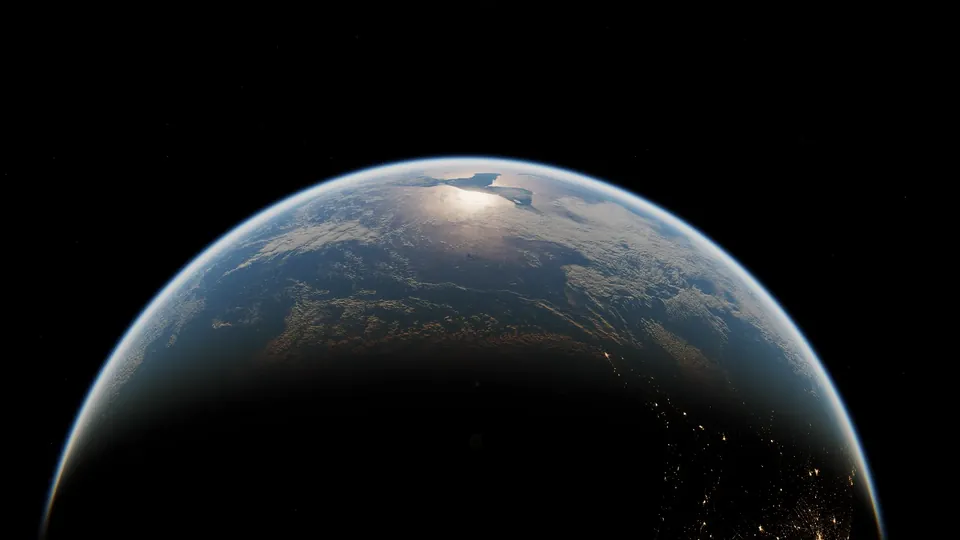
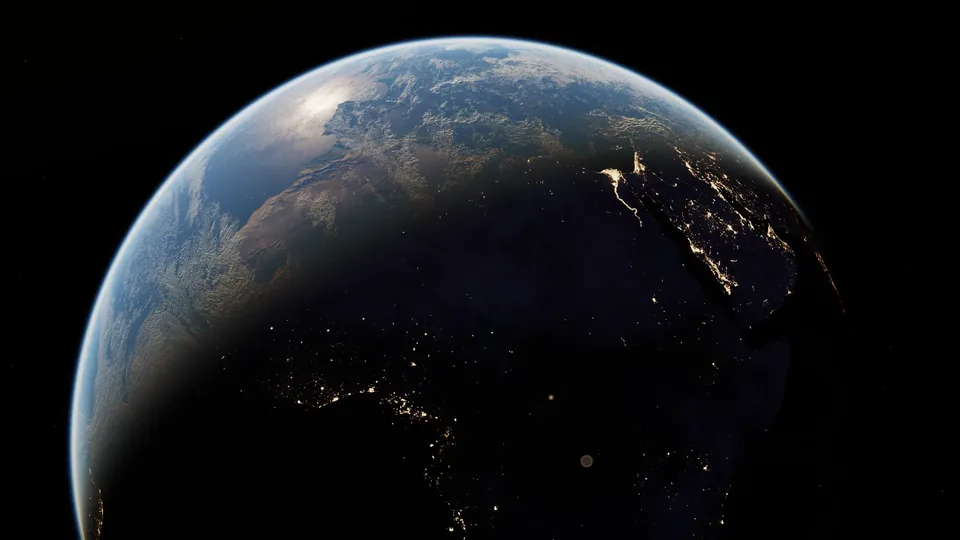
More in the gallery.
Frequently asked questions
Is Earthframe Studio free like Google Earth Studio?
No. Earthframe Studio is a one-time purchase. A demo with every feature lets you try it first, with exports up to 1080p and a watermark.
Can Earthframe Studio show my city or street?
It zooms from the whole globe down to a coastline, but not to street level or 3D buildings. For that, Google Earth Studio is the better tool.
Do I have to credit anyone in my renders?
No royalties or attribution are required for renders from the full version of Earthframe Studio.
Does it work on Mac?
No. Earthframe Studio runs on Windows 10 and 11 (64-bit).
Make your own Earth shots
Try every feature with the demo for Windows. Exports up to 1080p with a watermark; the full version goes up to 16K.